⚠️ Affiliate Disclosure: This post is not an affiliate associated review. It may become one in the future and this disclosure will reflect that. This does not affect my reviews and I only recommend tools I genuinely believe in.
These are the best AI podcast editors I’ve tested and scored on WhatAITools, ranked by those scores. They cover the whole job: recording remote guests, editing by deleting words from a transcript, turning episodes into show notes and clips, and patching narration with an AI voice. Every tool below has a full review on the site.
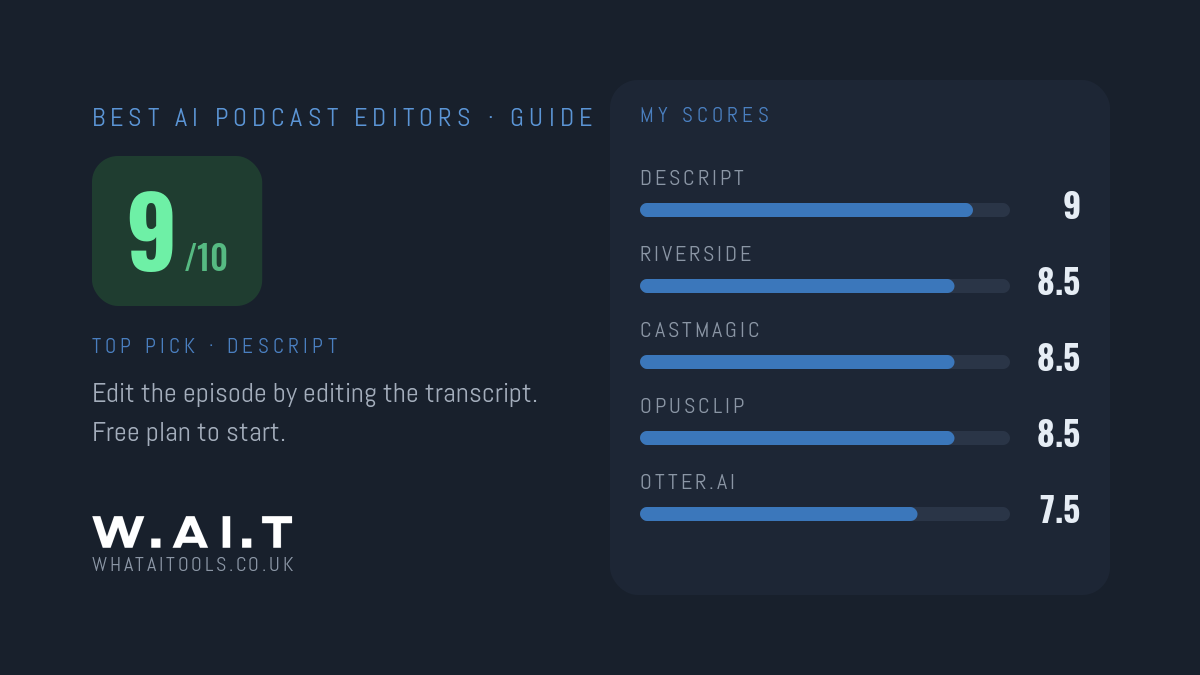
Quick answer: the best AI podcast editor is Descript (9/10), which lets you edit audio and video by editing the transcript. Pair it with Riverside (8.5/10) if you record remote guests, and add Castmagic (8.5/10) if you want show notes, posts and newsletters written from each episode.
The Best AI Podcast Editors at a Glance
| Tool | Best for | My score | From |
|---|---|---|---|
| Descript | Editing a podcast by editing the transcript | 9/10 | Free plan; $16/mo billed annually |
| Riverside | Recording remote guests in high quality | 8.5/10 | Free plan; $24/mo billed annually |
| Castmagic | Show notes, posts and newsletters from each episode | 8.5/10 | $19/mo billed annually |
| OpusClip | Turning episodes into short social clips | 8.5/10 | Free plan; $15/mo |
| ElevenLabs | AI voiceover and patching narration | 8.5/10 | Free plan; $6/mo |
| Otter.ai | Cheap, quick transcripts | 7.5/10 | Free plan; $8.33/mo billed annually |
1. Descript: Best AI Podcast Editor Overall
Descript turns your recording into a transcript, and you edit the audio by editing the text: delete a sentence and it’s gone from the episode. It also removes filler words and handles video podcasts in the same editor. For spoken-word content it’s faster than any traditional audio editor.
It isn’t a replacement for a full editor on complex, multi-track music work. Descript has a free plan, and Hobbyist is $16 a month billed annually ($24 monthly).
Score: 9/10 · From: Free plan; $16/mo billed annually · Read my full Descript review
2. Riverside: Best for Recording Remote Guests
Riverside records each guest on their own device, with up to 4K video and lossless WAV audio on separate tracks. Your guest’s wobbly Wi-Fi stops mattering, because the recording doesn’t depend on the call connection. AI transcription, Magic Clips and an editor are built on top.
Riverside has a free plan; Pro is $24 a month billed annually ($29 monthly), with a 14-day free trial. Pair it with Descript and the whole podcast workflow is covered.
Score: 8.5/10 · From: Free plan; $24/mo billed annually · Read my full Riverside review
3. Castmagic: Best for Turning Episodes Into Written Content
Castmagic takes a finished episode and writes the content around it: show notes with timestamps, summaries, quotes, social posts, blog drafts and newsletters. If you publish weekly, it removes the part of the job most podcasters quietly hate.
There’s no free plan. Hobby is $19 a month billed annually ($239 a year) for 30 transcribed hours.
Score: 8.5/10 · From: $19/mo billed annually · Read my full Castmagic review
4. OpusClip: Best for Short Clips From Long Episodes
OpusClip finds the strongest moments in a long video episode and cuts them into vertical clips with captions for TikTok, Reels and Shorts. If your podcast is on video, it’s the quickest way to promote each episode.
OpusClip has a free plan with 60 credits a month. Starter is $15 a month, and Pro is $29 monthly or $14.50 a month billed annually.
Score: 8.5/10 · From: Free plan; $15/mo · Read my full OpusClip review
5. ElevenLabs: Best AI Voice for Podcasts
ElevenLabs is the AI voice tool I’d use for intros, ad reads and audio versions of written content. Voice cloning works well enough that you can patch a fluffed line in your own narration after the fact instead of re-recording it.
ElevenLabs has a free plan with 10,000 credits a month. Starter is $6 a month and adds a commercial licence and instant voice cloning.
Score: 8.5/10 · From: Free plan; $6/mo · Read my full ElevenLabs review
6. Otter.ai: Best for Quick, Cheap Transcripts
Otter.ai is built for meetings, but it’s a cheap way to get a searchable transcript of an interview or raw recording. It isn’t an editor: use it for transcripts and notes, and Descript for the episode itself.
Otter’s free plan includes 300 transcription minutes a month. Pro is $8.33 a month billed annually ($16.99 monthly).
Score: 7.5/10 · From: Free plan; $8.33/mo billed annually · Read my full Otter.ai review
Which AI Podcast Editor Should You Pick?
- Solo podcast, edited yourself: Descript on its own.
- Interview show with remote guests: Riverside to record, Descript to edit.
- Publishing weekly and short on time: add Castmagic for show notes and posts.
- Video podcast: add OpusClip for social clips.
- Narrated or scripted show: ElevenLabs for the voice.
For the wider creator toolkit, see my best AI tools for content creators, and Descript vs Riverside if you’re choosing between those two.
Frequently Asked Questions
What is the best AI podcast editor?
Descript is the best AI podcast editor I’ve tested, with a 9/10 score on WhatAITools. You edit the audio by editing its transcript, and it removes filler words and background noise. It has a free plan, and paid plans start at $16 a month billed annually.
Is there a free AI podcast editor?
Yes. Descript, Riverside, OpusClip, ElevenLabs and Otter.ai all have free plans. The free plans are limited, but Descript’s is enough to edit a short episode and see whether transcript editing suits you.
Can AI edit a podcast for me automatically?
Partly. Descript can remove filler words automatically, and Castmagic can write show notes and posts from the finished episode. You still need to decide what stays in: AI speeds up editing, but it doesn’t make the editorial calls for you.
Every tool I review is signed up for and tested by hand. See how I test and score.
Leave a Reply