⚠️ Affiliate Disclosure: This post is not an affiliate associated review. It may become one in the future and this disclosure will reflect that. This does not affect my reviews and I only recommend tools I genuinely believe in.
These are the best AI video tools I’ve tested and scored on WhatAITools, ranked by those scores. They cover the three ways people actually make video with AI: editing footage you’ve shot, turning long videos into short clips, and generating video from a prompt or an image. Every tool below has a full review on the site.
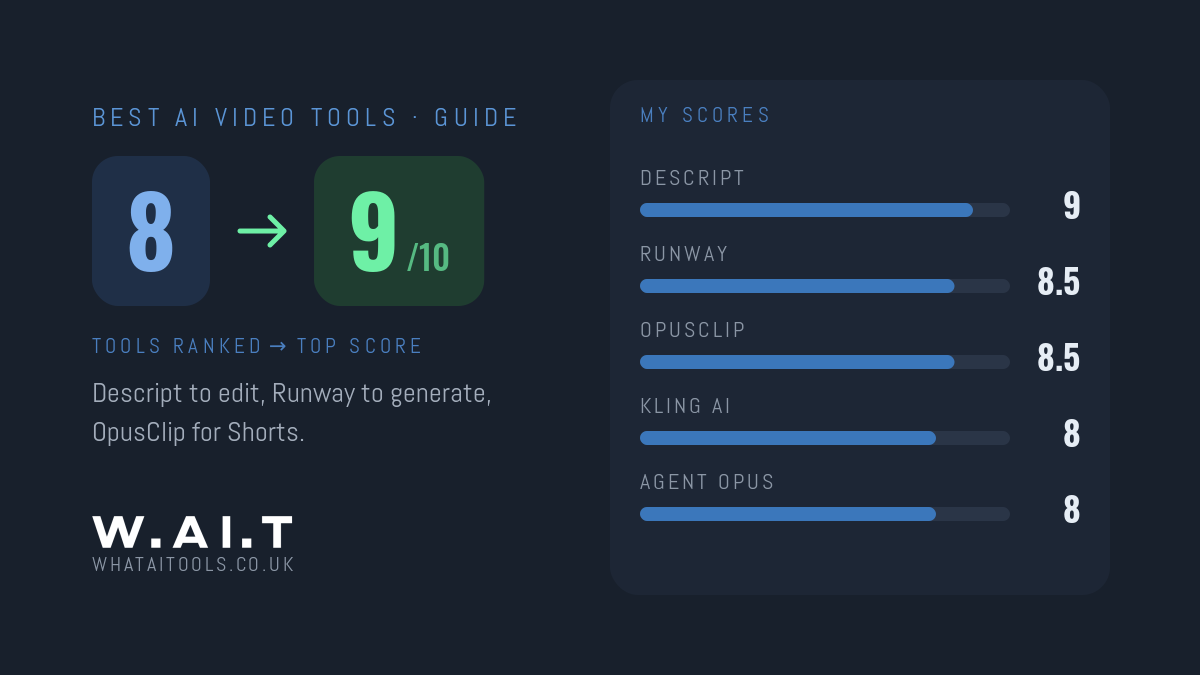
Quick answer: to edit video you’ve filmed, the best AI tool is Descript (9/10). To generate video from a prompt, start with Runway (8.5/10), the most complete AI video studio. To turn long videos into Shorts and Reels, use OpusClip (8.5/10). Kling AI (8/10) is the cheapest way into high-quality generated video.
The Best AI Video Tools at a Glance
| Tool | Best for | My score | From |
|---|---|---|---|
| Descript | Editing video by editing the transcript | 9/10 | Free plan; $16/mo billed annually |
| Runway | Generating and editing video in one studio | 8.5/10 | Free credits; $12/mo billed annually |
| OpusClip | Turning long videos into short clips | 8.5/10 | Free plan; $15/mo |
| Kling AI | Cheap, high-quality generated video | 8/10 | 66 free credits a day; paid from about $10/mo |
| Agent Opus | Finished short videos from a prompt, URL or audio | 8/10 | Free plan; $29/mo |
| Dreamina | Free daily access to top video models | 8/10 | 225 free tokens a day |
| Luma | Smooth, realistic motion | 7.5/10 | $25/mo billed annually |
| Pika | Playful effects and quick social video | 7.5/10 | $8/mo billed annually |
1. Descript: Best AI Video Editor for Footage You’ve Filmed
Descript turns your video into a transcript, and you edit the video by editing the text. It removes filler words and adds captions, which makes it the fastest way to edit talking-head videos, tutorials and video podcasts.
Score: 9/10 · From: Free plan; $16/mo billed annually ($24 monthly) · Read my full Descript review
2. Runway: Best AI Video Generator Overall
Runway is the most complete AI video studio I’ve tested: generate clips from text or images, edit them, and use other leading models such as Kling inside the same app. Its free plan gives a one-off 125 credits to try it; Standard is $12 a month billed annually ($15 monthly) for 625 credits a month.
Score: 8.5/10 · From: $12/mo billed annually · Read my full Runway review · Runway vs Kling AI
3. OpusClip: Best for Turning Long Videos Into Shorts
OpusClip finds the strongest moments in a long video and cuts them into captioned vertical clips for TikTok, Reels and Shorts. If you already film long-form content, it’s the workhorse for social video. The free plan gives 60 credits a month; Starter is $15 a month.
Score: 8.5/10 · From: Free plan; $15/mo · Read my full OpusClip review
4. Kling AI: Cheapest Way Into High-Quality AI Video
Kling AI renews 66 free credits every day, and its paid plans undercut Runway and Luma. Free output is watermarked, 720p, five seconds long and non-commercial, so any real work needs a paid plan, which starts at about $10 a month, often with a first-month discount.
Score: 8/10 · From: 66 free credits a day · Read my full Kling AI review
5. Agent Opus: Best for Finished Videos Without a Timeline
Agent Opus, from the team behind OpusClip, takes a text prompt, a blog URL or an audio file and returns a finished, on-brand short video with narration and captions. You never touch a timeline. The free plan gives 60 credits a month, roughly two 30-second videos; Pro is $29 a month.
Score: 8/10 · From: Free plan; $29/mo · Read my full Agent Opus review
6. Dreamina: Best Free Daily Access to Top Video Models
Dreamina, from CapCut’s owner ByteDance, gives 225 free tokens every day across image and video, and runs leading models such as Seedance. It’s the cheapest route to frontier video. The real question isn’t price but whether ByteDance ownership is acceptable for your work.
Score: 8/10 · From: 225 free tokens a day · Read my full Dreamina review
7. Luma: Best for Smooth, Realistic Motion
Luma built its reputation on natural, convincing motion with its Ray models, and it now bundles rival models into one credit pool. It’s only worth paying for if motion quality is your priority: Luma’s pricing page lists no free plan, and Plus is $25 a month billed annually ($30 monthly), more than double Runway Standard.
Score: 7.5/10 · From: $25/mo billed annually · Read my full Luma review
8. Pika: Best for Playful Social Video
While Runway and Kling compete on realism, Pika competes on fun, with playful effects such as Pikaffects and Pikaswaps aimed at social content. Its free plan now has no monthly credits (you buy packs), and Starter is $8 a month billed annually ($10 monthly), which adds a commercial licence.
Score: 7.5/10 · From: $8/mo billed annually · Read my full Pika review
Which AI Video Tool Should You Pick?
- You film yourself talking: Descript to edit, OpusClip for clips.
- You want to generate video from a prompt: Runway, or Kling AI on a tighter budget.
- You want finished social videos without editing: Agent Opus.
- You want to experiment for free: Dreamina’s or Kling AI’s daily free credits.
If you make content across video, audio and social, see my best AI tools for content creators.
Frequently Asked Questions
What is the best AI video tool?
It depends on the job. Descript (9/10) is the best AI tool for editing video you’ve filmed, Runway (8.5/10) is the best AI video generator overall, and OpusClip (8.5/10) is best for turning long videos into short clips. All three are scored on WhatAITools.
Is there a free AI video generator?
Yes. Kling AI gives 66 free credits a day and Dreamina gives 225 free tokens a day. Free output is usually limited, for example watermarked, short and not for commercial use, so it’s best for learning before you pay.
What is the best AI video tool for beginners?
Agent Opus is the easiest, because you give it a prompt, a URL or an audio file and get a finished video back without any editing. If you’re editing your own footage, Descript is the easiest editor to learn.
Every tool I review is signed up for and tested by hand. See how I test and score.
Leave a Reply