⚠️ Affiliate Disclosure: This post is not an affiliate associated review. It may become one in the future and this disclosure will reflect that. This does not affect my reviews and I only recommend tools I genuinely believe in.
This Native.no review covers the AI social media content tool I scored 7/10 — first tested in July 2026 and updated in September 2026 with pricing confirmed directly by Native. Here’s what it does, what it costs UK buyers, and who it actually suits.
Native.no Review
Native.no is an AI social media content tool built for businesses and marketers who want to maintain a consistent presence across platforms without spending hours writing posts. It generates on-brand content for LinkedIn, Instagram, Facebook, and more — and it’s designed to match your brand voice rather than sound like a generic AI. Here’s what it actually delivers.
What is Native.no?
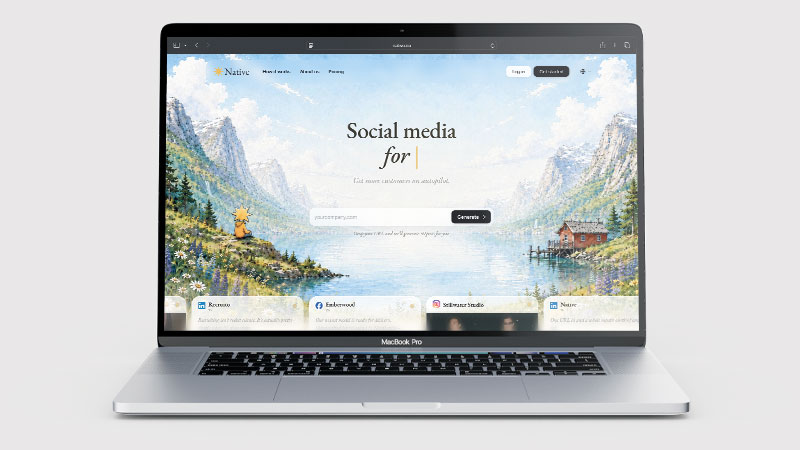
Native.no is an AI content generation platform focused specifically on social media. Unlike general-purpose AI writing tools, it’s built around the workflows that social media managers and marketers actually use: creating platform-specific content, maintaining brand voice consistency, and producing content at volume without it feeling repetitive or robotic.
The platform uses AI to generate captions, post ideas, hashtag suggestions, and content calendars, with a focus on making the output sound natural and on-brand rather than obviously AI-generated. It supports multiple social platforms and can adapt the same core message into different formats for each channel.
What Can You Do With Native.no?
Native.no generates social media posts across platforms including LinkedIn, Instagram, Facebook, and X (Twitter). You provide context about your brand, topic, or goal, and it produces ready-to-post content tailored to each platform’s format and character limits.
The brand voice feature lets you train the AI on your existing content or provide style guidelines, so the output consistently matches how your brand communicates — rather than sounding like a different author each time. Content calendar planning and batch content creation are also available, which is useful for agencies or teams managing multiple clients or accounts.
Native.no Pricing
| Plan | Price/month | What’s included |
|---|---|---|
| Pro | $79 (USD, billed monthly) | 1 brand across all 12 supported channels (no per-channel charge); 50 posts a month, and cross-posting one post to several channels counts as one post; extra brands $39/month |
| Max | $249 (USD, billed monthly) | 3 brands, 5× the Pro AI allowance (roughly five times the post quota), priority support |
| Agency | $499 (USD, billed monthly) | 10 client workspaces with a brand each; extra brands $29/month |
Native.no no longer offers a free tier — the free plan this review originally described has been removed, and as of September 2026 platform access starts with Pro at $79/month (USD), billed month to month and cancellable anytime. Native told me directly that new visitors can generate and review three free sample posts with no card before paying — though its own homepage advertises generating 50 posts from your URL, and neither figure appears on the pricing page. Retested, 29 September 2026 (the free sign-up): I signed up fresh to check. Onboarding did generate a 50-post preview from my URL — but after selecting just three posts, an “Unlock 47+ Posts” pop-up appeared and using any post, including the ones I’d picked, required paying. The paywall opened with the yearly toggle preselected, headlining $63/month — which in fact means $758 billed upfront for the year; one tab over, monthly billing shows the standard $79/month, cancel anytime. (Yearly also quietly bumps the quota from 50+ to 60+ posts a month.) The onboarding itself had a flaw worth flagging too: there is no back button — when I mis-tapped an answer to “How often should Native post for you?”, I could neither see what had been selected nor go back and fix it. And I could not use a single post without paying. In practice, there is no free trial — and the first price a new user sees carries an annual commitment. As for the previews themselves: the presentation impressed me — Native pulled my real headshot and byline from the site for an author card, and localised a competitor’s price into pounds — but the content was template-grade, and several samples stated specific factual claims Native cannot verify. They happened to be roughly right; on autopilot, that is luck. Not enough, in my judgement, to pay for a year upfront sight unseen. The approval-or-autopilot choice and month-to-month cancellation, by contrast, are stated on Native’s own pricing page and homepage. Native also confirmed to me that it adds VAT only for customers in Norway — UK buyers pay the listed USD price with nothing added. Monthly post allowances reset each billing cycle and do not roll over — unused posts are lost at month end. Plans are priced by the number of brands you manage; yearly billing saves 20% against the monthly rates above. Figures checked against Native’s own pricing page and confirmed directly with Native, September 2026. Everything Native confirmed, at a glance: Check their website for current pricing as plans are updated regularly.
Since I published those findings, Native’s co-founder has given me a month of Pro to test the paid product properly — my in-progress Pro test is in its own section below.
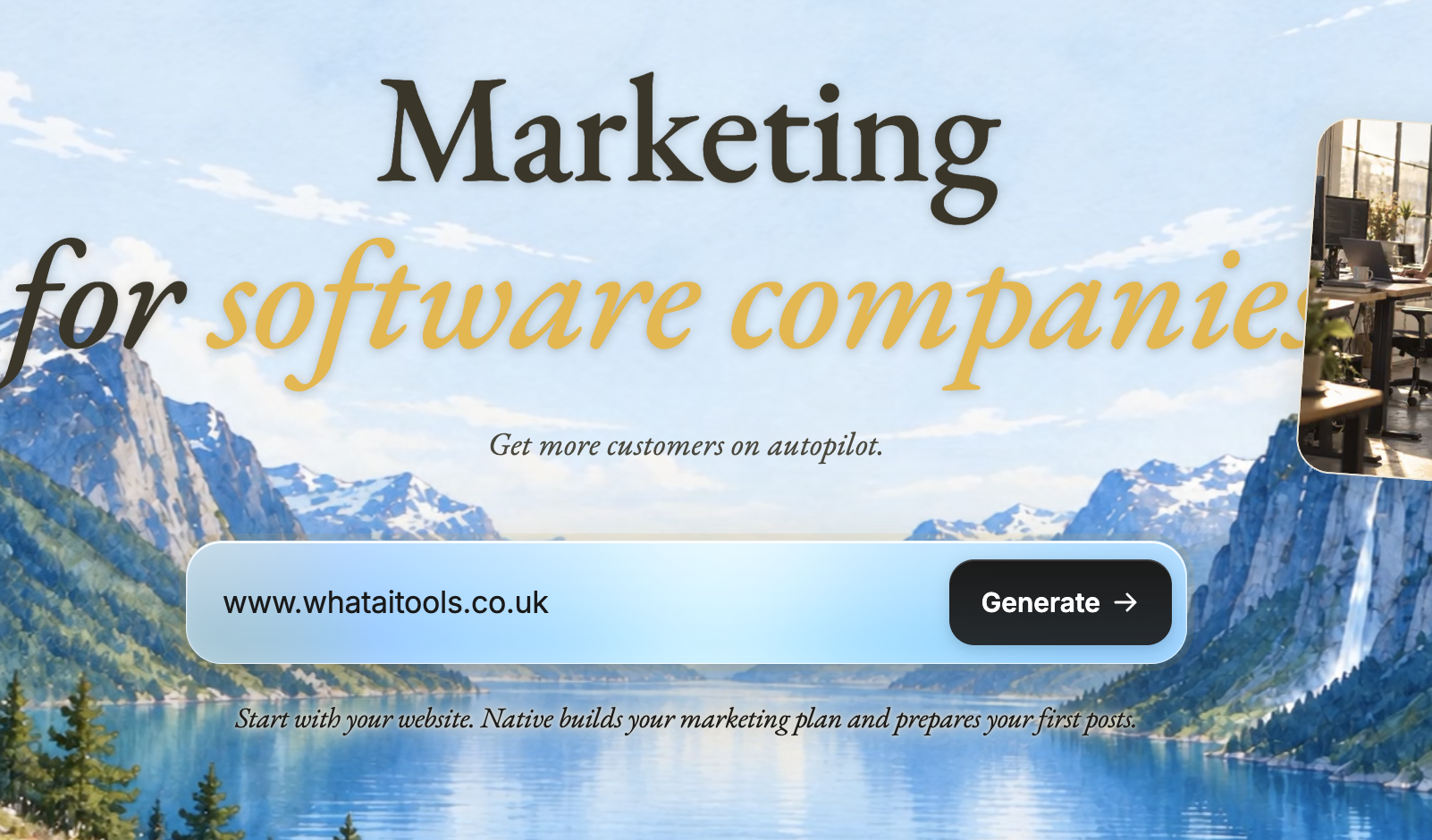
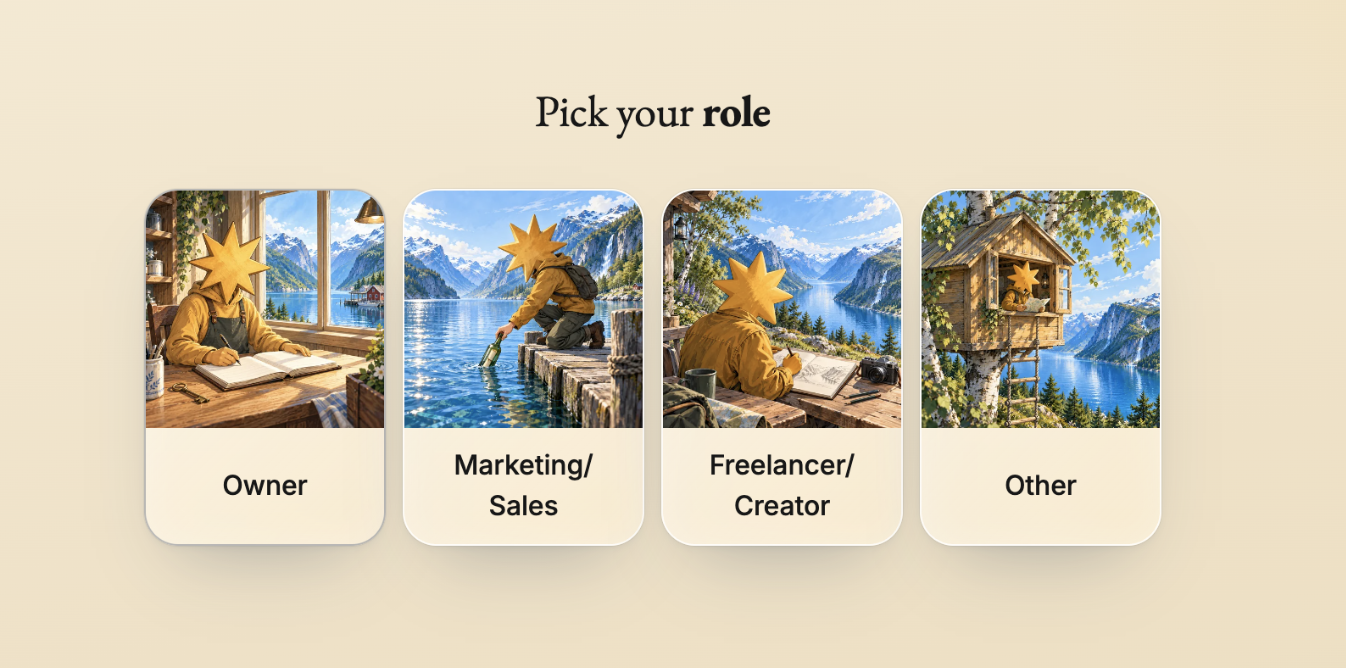
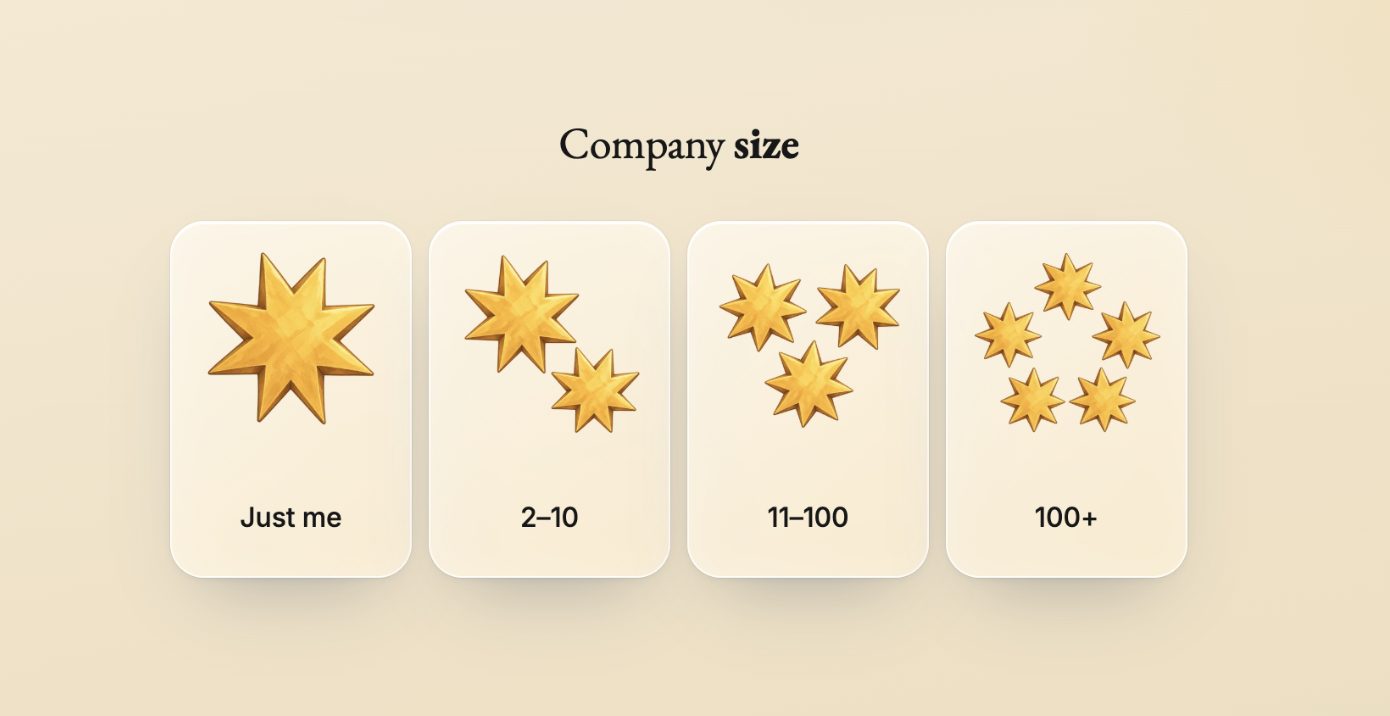
The onboarding: drop your URL in, then role and company-size questions — with no back button if you mis-tap.

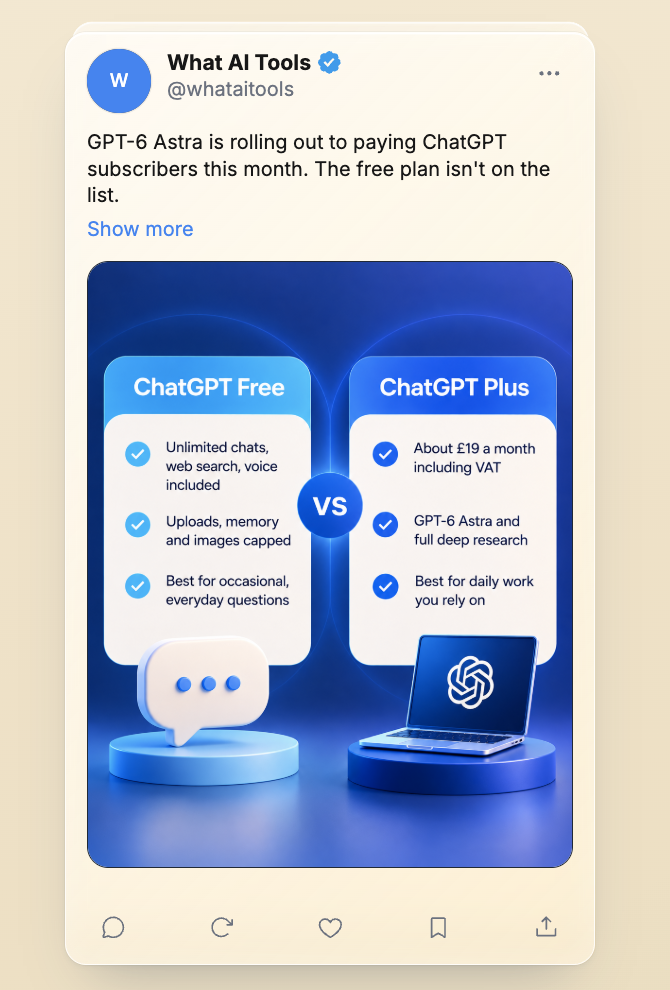
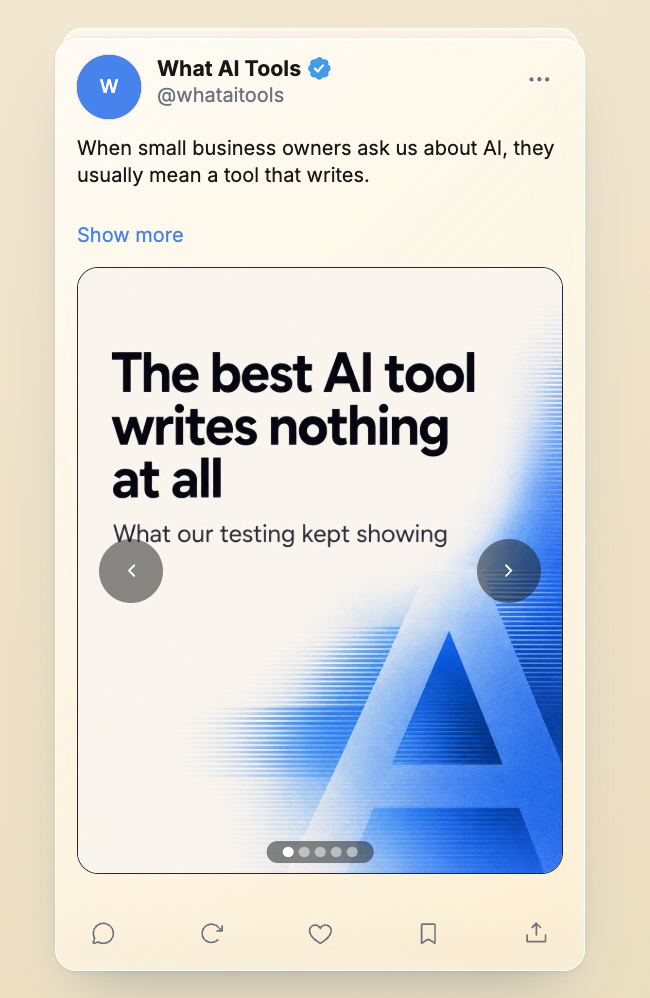
The “50+ posts ready” promise, and two of the generated previews — branded and localised, but template-grade.

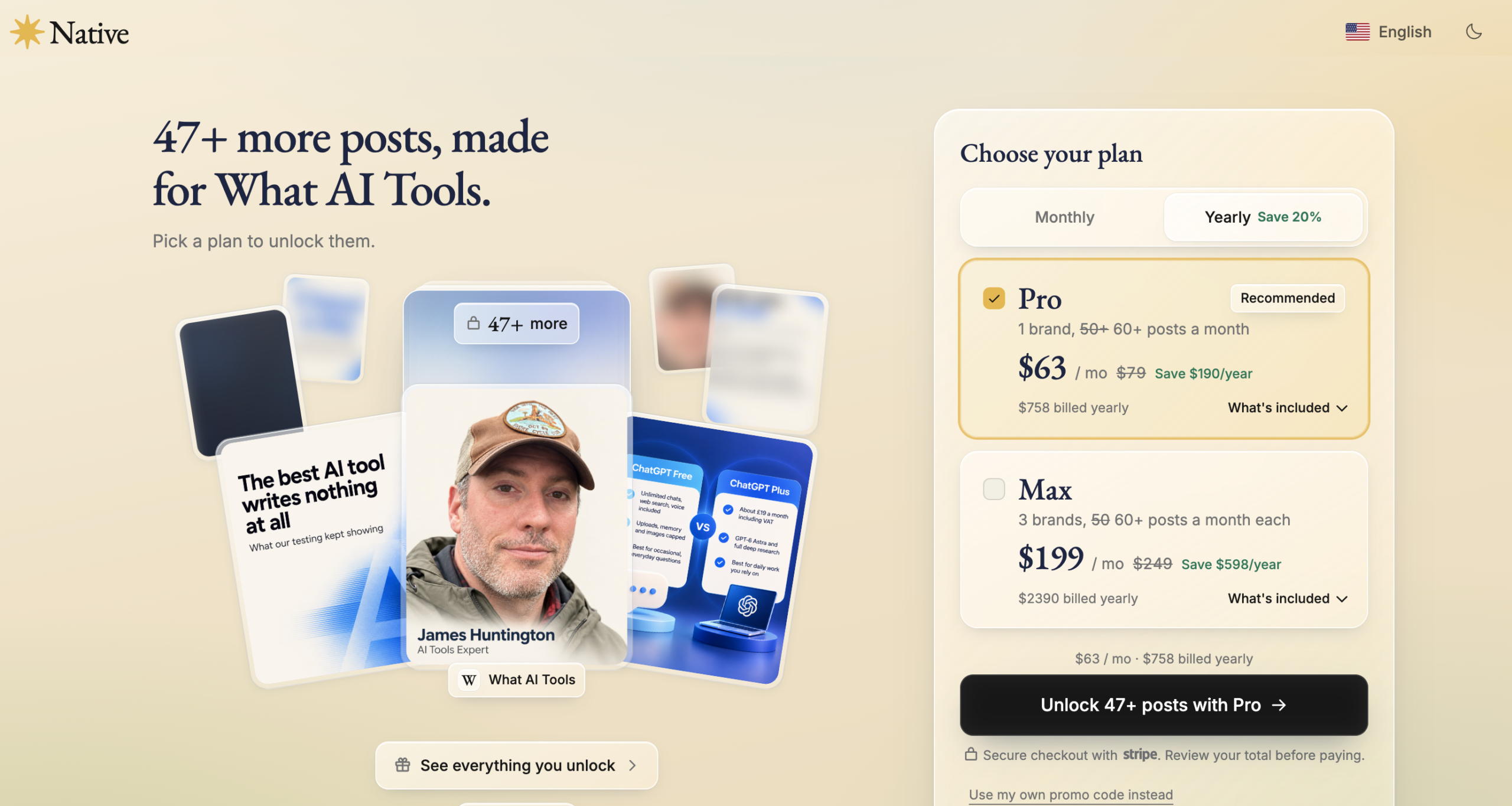
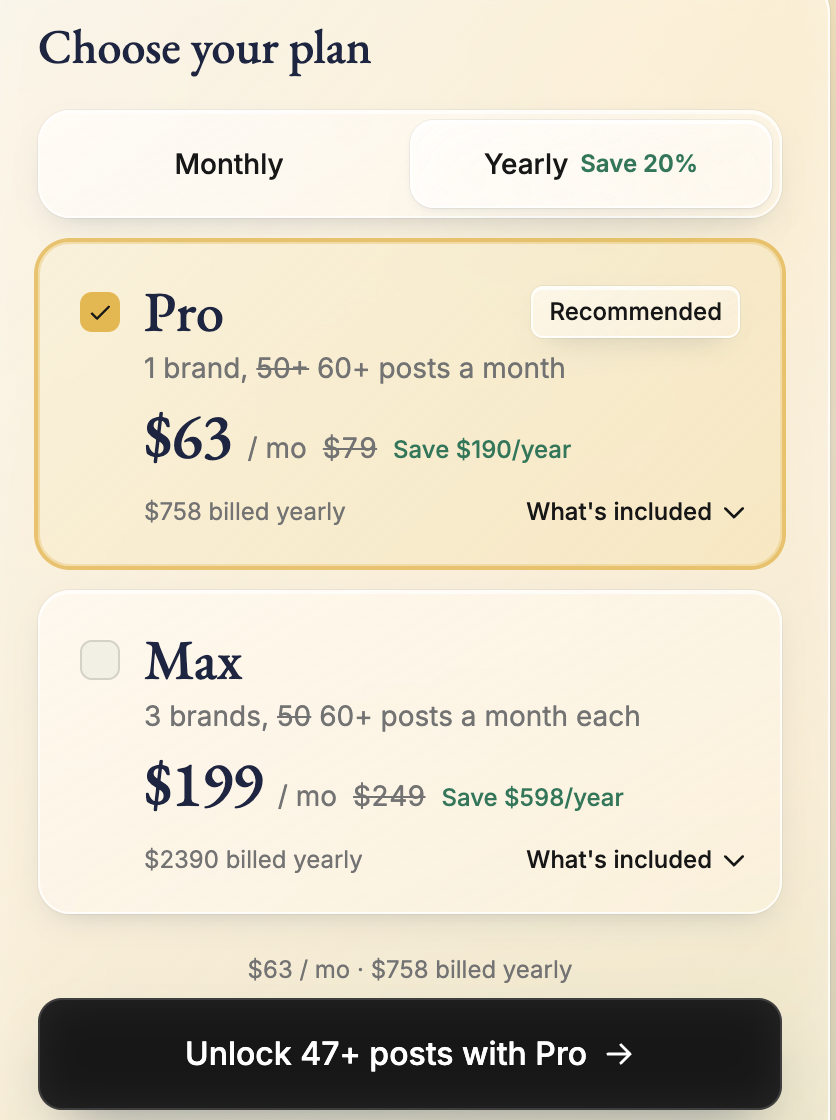
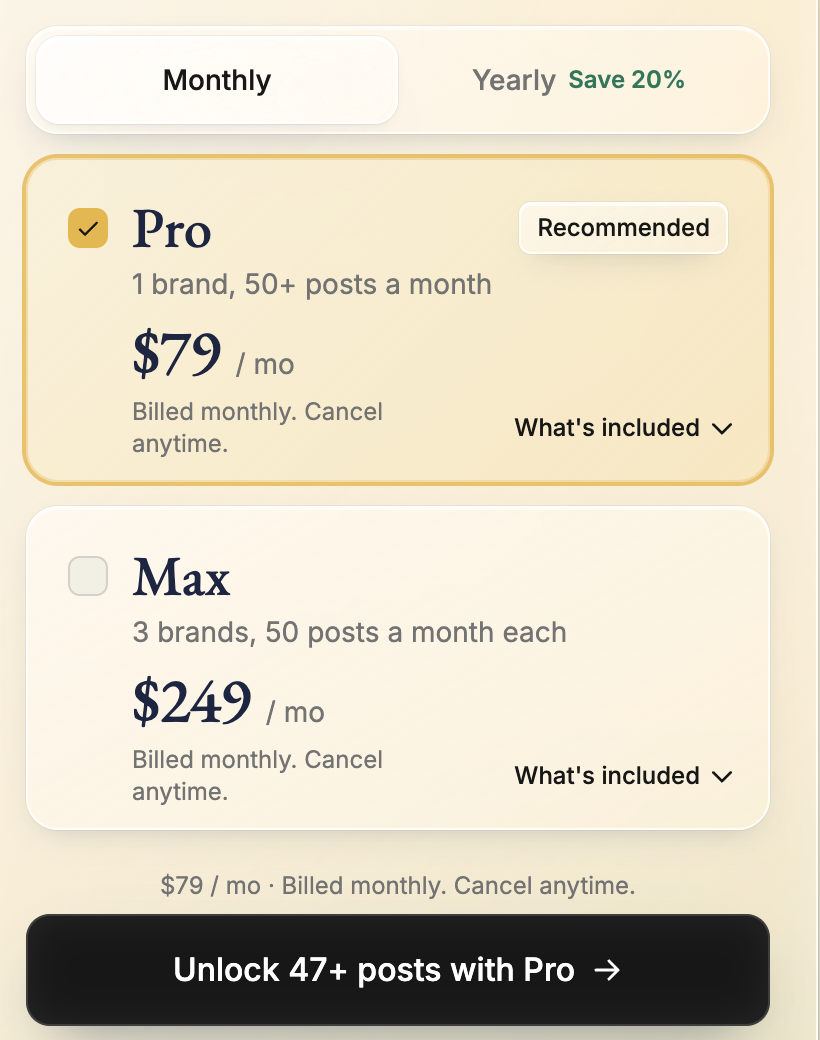
The author card built from my own site; then the “47+ more posts” unlock screen and the paywall — yearly tab preselected at $63/month ($758 billed upfront). Monthly at $79 sits one tab over.
| Question | Native’s answer (confirmed September 2026) |
|---|---|
| Is there a free plan? | No free platform tier — and in my 29 September signup, no usable trial either: onboarding generates a 50-post preview, then a paywall locks every post, including the three I selected ($63/month billed yearly — $758 upfront — or $79/month billed monthly). Pro is month to month, cancel anytime |
| Do UK buyers pay VAT? | No — Native adds VAT only for customers in Norway. UK buyers pay the listed USD price |
| What does Pro’s one brand cover? | All 12 supported channels, no per-channel charge. Cross-posting one post to several channels counts as one post |
| What does Max’s “5× AI usage” mean? | Five times the Pro AI allowance — roughly five times the post quota. It covers generating and editing content, web research, profile enrichment, images and ads. Publishing and analytics use none of it |
| Who controls publishing and ad spend? | You choose: approval mode (posts wait for your sign-off) or full autopilot (Native schedules and publishes). Ad spend stays in your own Meta account and you set the budget |
Native.no Pro on Autopilot: My October 2026 Test (In Progress)
Everything above describes Native.no as a new customer meets it: the free sign-up, the previews and the paywall. This section is different — I am now testing the paid Pro product itself, with Autopilot running my real X account for a month. It is a work in progress; the verdict and score below will be updated when the month is up.
Update, 6 October 2026 — I am now inside Native Pro. After I published the findings above, Native’s co-founder sent me a code for one month of Pro, free (normally $79 a month — £62.02 at today’s rate). Full disclosure: that is vendor-provided access. It does not change how I score, and Native has no say in what I write.
The Pro onboarding is a different experience from the free-trial dead end described above. Native pulled my brand “DNA” — logo, colour palette, the site’s primary font and tagline — then offered my own site images alongside stock photos and Native-designed graphics. The profile check genuinely impressed me: it had correctly extracted the site’s team, services and competitors, the problem the site solves for readers, and even my editorial promises — no paid placements, own-account testing, verified prices, dated updates — plus reader channels like the WAIT Weekly digest and the suggest-a-tool form. One September criticism is also fixed in this flow: posting frequency is now a visible choice during setup (down to a post every other day).
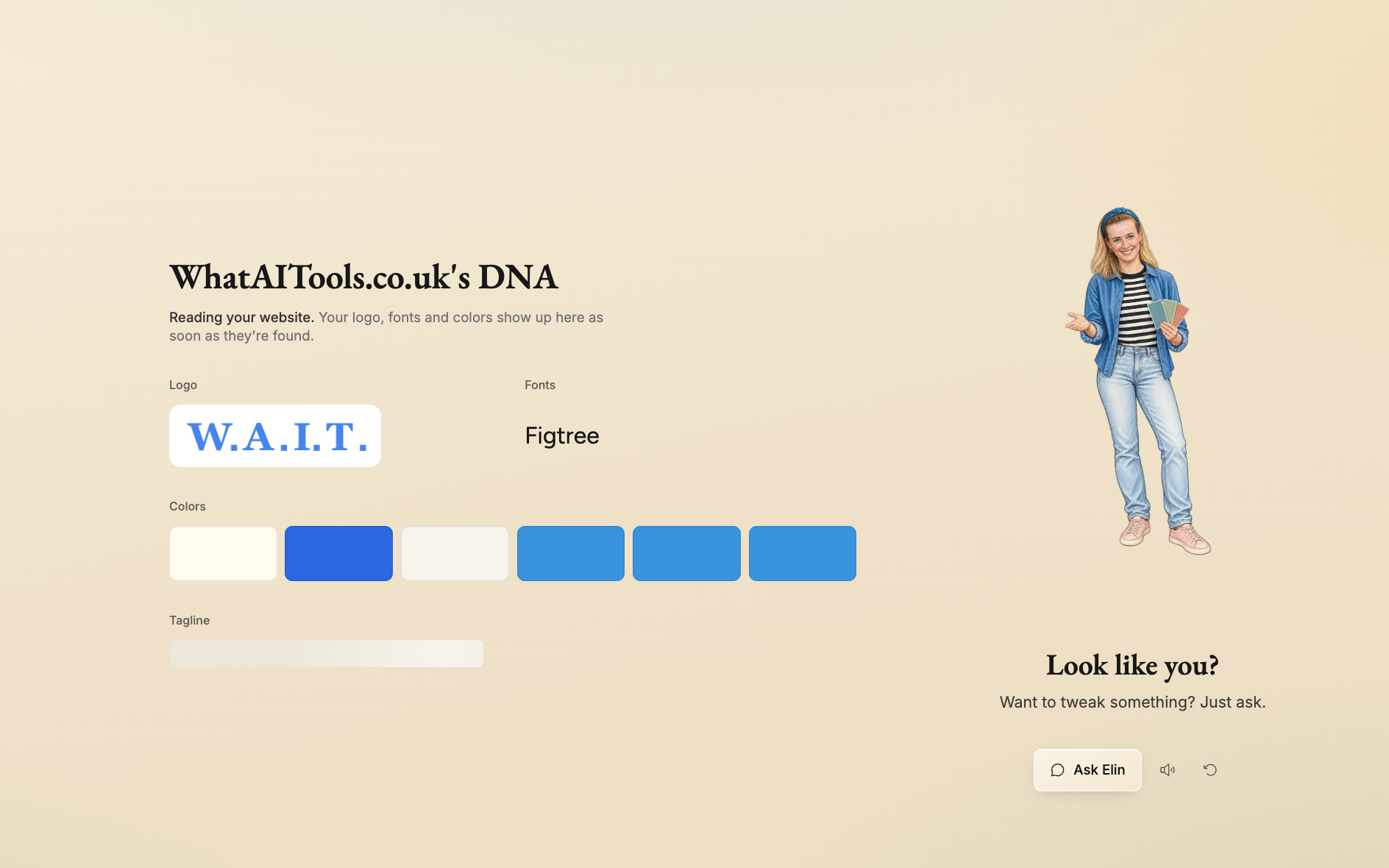
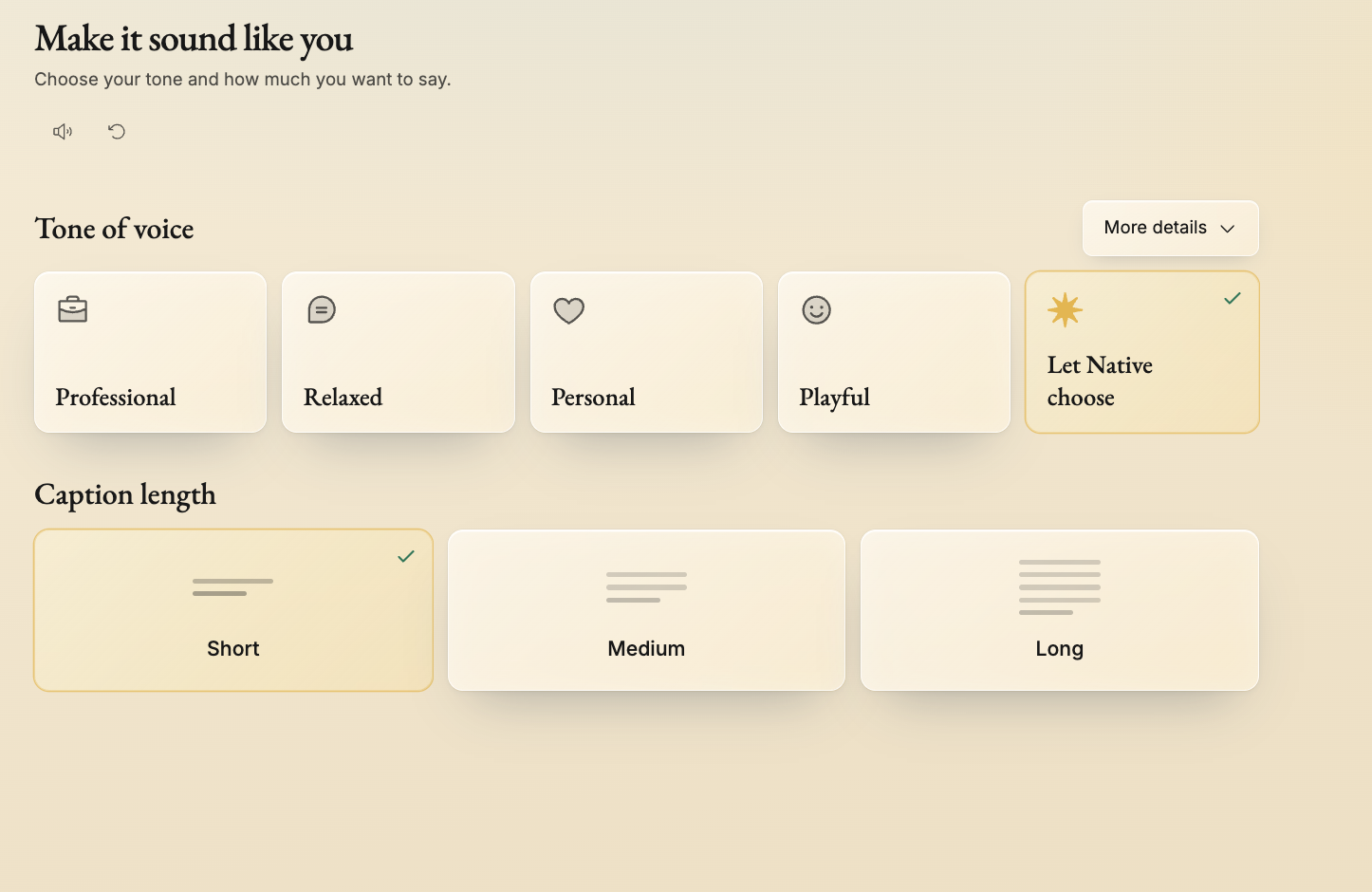
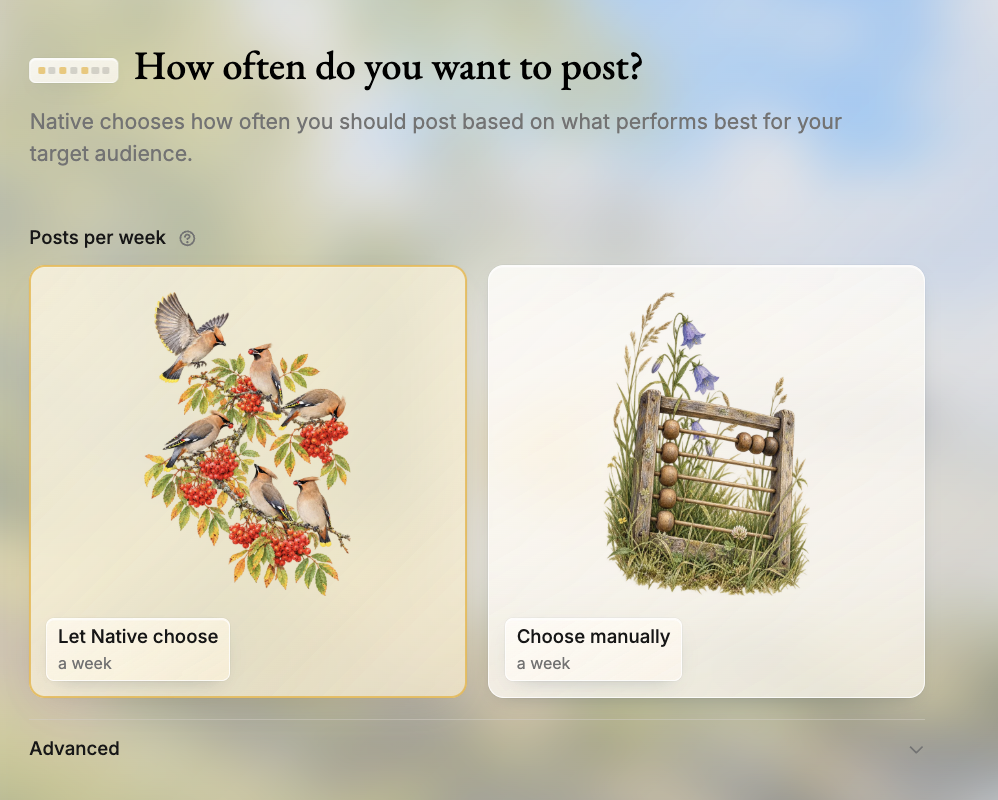
The Pro onboarding: Native’s “brand DNA” pull of my logo, palette and tagline; tone and caption-length choices; and the posting-frequency step that was missing in September.
Then I did the risky thing on purpose: I handed every decision to Autopilot. Tone of voice — Native’s call. Emojis — Native’s call. Frequency, channels and topics — all Native, with publishing set to fully automatic. Native chose three posts a week to X (Monday, Wednesday and Friday at recommended times) and emails everyone with access the day before a post goes out. Its calendar pulled in the posts I had already published to X this month, then scheduled its own around them.
First result: I pushed one scheduled post live straight away. It took three to five minutes to appear on X and the calendar lagged behind it — but the post itself, a bold quote card drawn from my own ChatGPT vs Claude comparison, looked genuinely good. I am letting Autopilot run for the month and will publish a full verdict; the 7/10 below stands until that verdict is in.
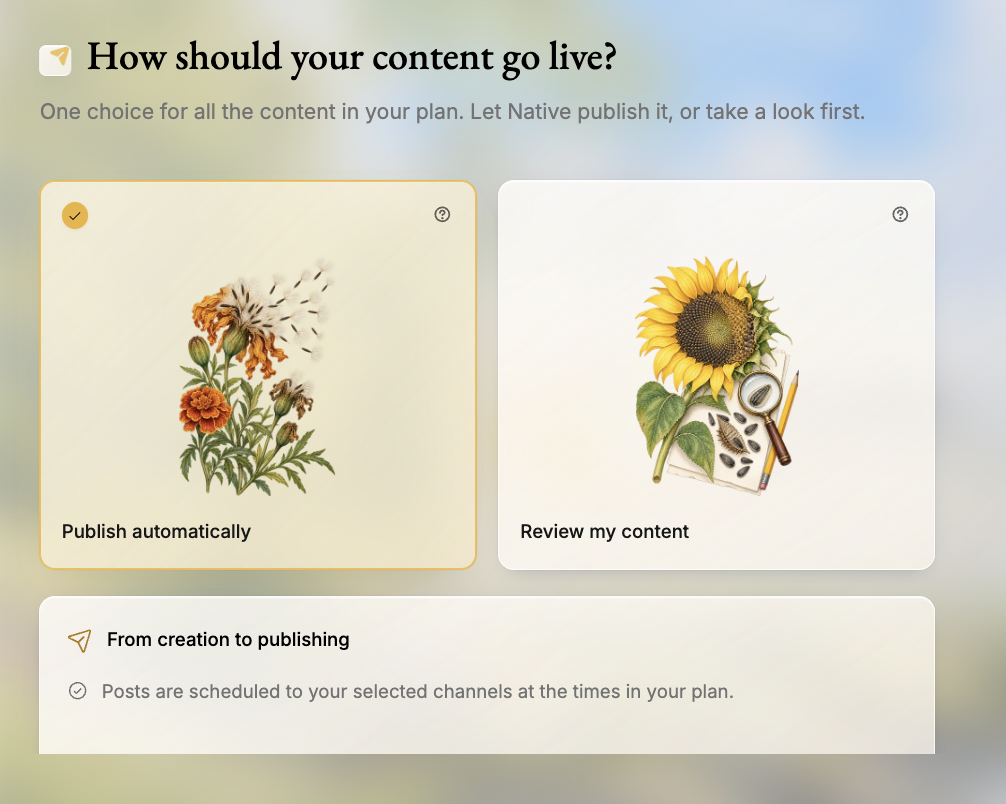
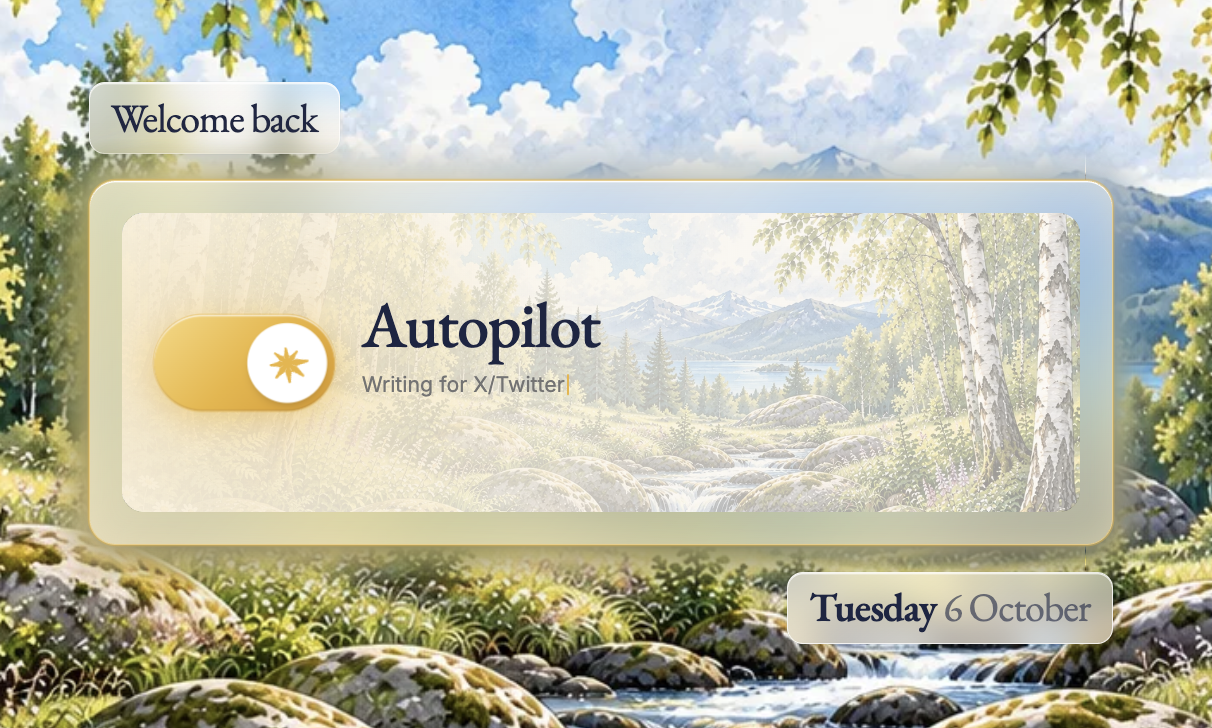
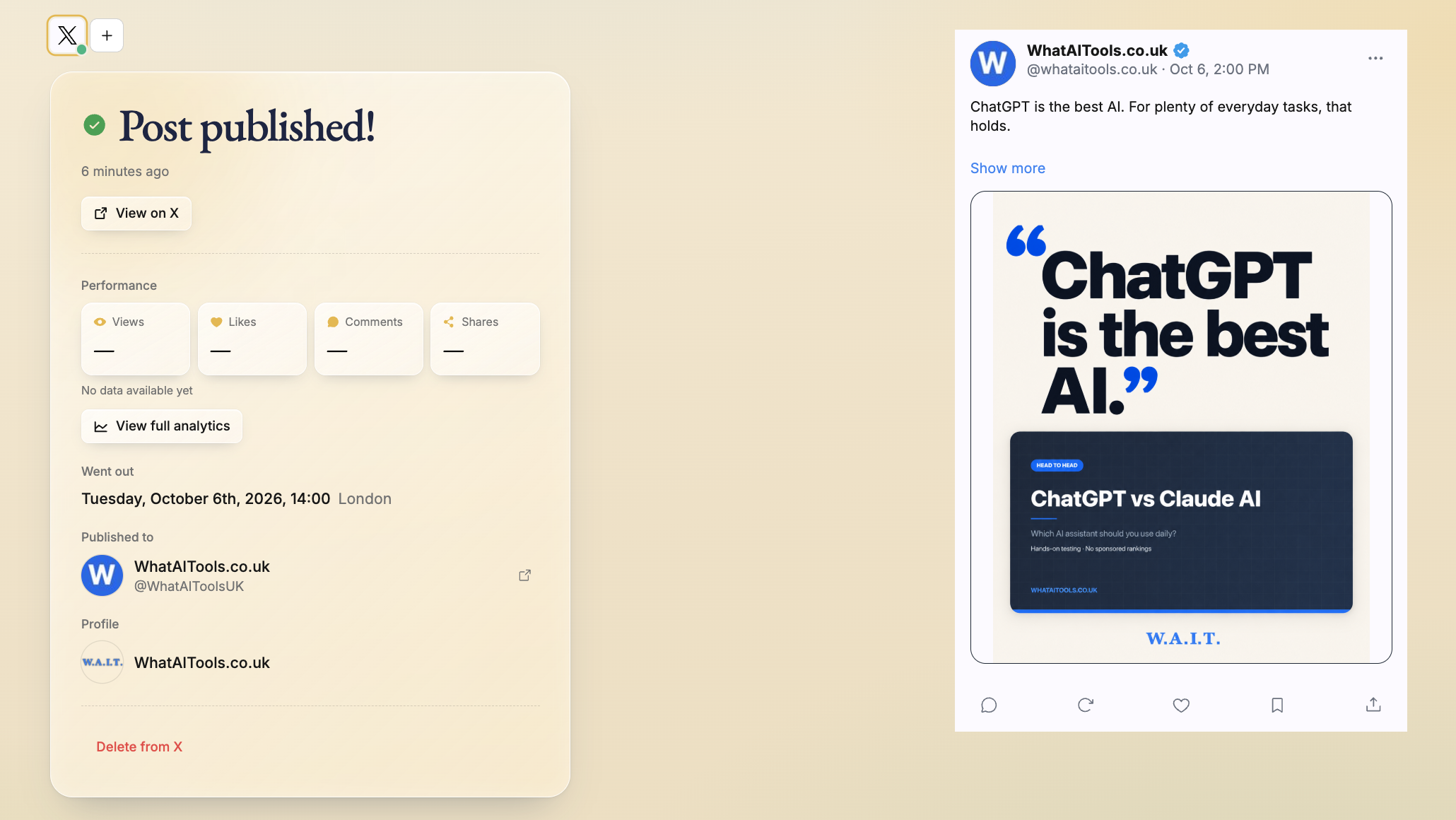
Handing it all over: publish-automatically selected, Autopilot on, and the first post out on X — live within minutes (well, three to five of them).
Native.no Review: Pros and Cons
Native.no Pros
- Built specifically for social media — not a general AI tool
- Brand voice training keeps content consistent
- Platform-specific formatting for each channel
- Batch content creation saves significant time
- Onboarding generates a full 50-post preview from your URL before you pay
Native.no Cons
- Narrower use case than general writing tools
- Requires setup time to train brand voice properly
- Less useful if you only manage one or two accounts
- AI output still needs human review before posting
- Newer platform with a smaller user base
- Effectively no free trial — in my test a paywall locked every generated post, even my selections — with annual billing preselected
Who Is Native.no For?
Native.no is aimed at social media managers, personal brands, and content creators who want AI to generate on-brand social content that matches their voice and style across multiple platforms. If you manage social media for yourself or clients and want to cut content creation time without losing the personal feel, it is a useful tool. It is less suited to brands with complex approval workflows or those needing content that goes beyond social media formats.
Key Use Cases
Social media managers handling multiple accounts. If you’re managing social presence for several clients or brands, Native.no’s batch creation and brand voice features let you produce large volumes of content without starting from scratch each time. The platform-specific formatting means you’re not just copying the same post across channels.
Small businesses with no dedicated social team. Many small business owners know they should post regularly on social media but don’t have the time or writing confidence to do it consistently. Native.no provides a practical shortcut — you supply the topic or idea and the tool handles the writing.
Maintaining brand voice at scale. For brands where tone consistency is important — particularly in professional services or B2B — the ability to train the AI on your brand voice and then generate content that sounds like you is one of the more practical applications of AI in marketing.
What Are the Downsides of Native.no?
It’s social-only. Native.no doesn’t help with blog posts, email newsletters, ad copy, or website content. If you need a broader AI writing tool, you’d also need something like Jasper or Copy.ai alongside it, which adds cost.
AI output still needs review. Like all AI content tools, Native.no can produce posts that are technically correct but feel off — the wrong tone for the moment, a missed nuance, or a claim that needs fact-checking. A human review step before publishing is still essential.
Newer platform, evolving features. Native.no is a relatively young product compared to established tools like Buffer or Hootsuite. Features and pricing are updated frequently, and the platform is still maturing. Worth keeping an eye on, but less proven than some alternatives.
How Does Native.no Compare to ChatGPT?
ChatGPT can write social media posts, but it requires you to craft a detailed prompt each time and doesn’t know your brand voice unless you provide it in every conversation. Native.no is purpose-built for social — brand voice is stored, platform formatting is automatic, and the workflow is faster for high-volume social content creation. For occasional social posts, ChatGPT is fine. For consistent, high-volume output, a dedicated tool like Native.no is more efficient.
| Feature | Native.no | ChatGPT |
|---|---|---|
| Social media focus | ✅ Built for it | ❌ General purpose |
| Brand voice learning | ✅ Yes | ❌ No |
| Platform integrations | Instagram, LinkedIn, TikTok+ | ❌ No direct posting |
| Content calendar | ✅ Yes | ❌ No |
| Pricing | From $79/mo (USD) | Free + $20/mo Plus |
| Best for | Social media content at scale | General AI assistance |
Is Native.no Good? My Verdict
Yes, within its lane — I scored Native.no 7/10. (Down from 7.5, September 2026: my retest found no usable free trial, an annual-billing default at the paywall, and sample posts too generic to justify paying upfront.) The brand voice training is the real differentiator: posts come out sounding like you rather than like AI. It is narrower than a general writing tool and needs setup time, so it earns its keep for teams posting regularly across platforms.
Native.no is a smart, focused tool for social media content creation. It won’t replace a great social media manager, but it significantly reduces the time spent writing and adapting posts across platforms. The brand voice feature is the real differentiator — if consistent tone matters to your brand, it’s worth the setup time.
Best for: Social media managers, agencies, and small businesses producing regular social content across multiple platforms.
Not ideal for: One-off social posts or businesses that need a general-purpose AI writing tool.
Native.no Score Breakdown
| Output quality | 8/10 | Brand voice training produces posts that actually sound like you |
| Ease of use | 6.5/10 | Straightforward once set up, but the voice training takes real time |
| Features | 7/10 | Multi-platform adaptation done well; narrower than a general writing tool |
| Value for money | 6.5/10 | Fair for teams posting regularly, hard to justify for one or two accounts |
| Overall score | 7/10 | Narrow by design, and very good within that narrow lane |
Native.no Review Rating: 7/10
Frequently Asked Questions
Is Native.no worth it?
For teams posting across several platforms, yes. Native.no earns its keep once the brand voice is trained, because adapting one message for four platforms is where the hours go. If you manage one or two accounts, a general writing tool will cost less and do enough.
What platforms does Native.no support?
Native.no generates content for LinkedIn, Instagram, Facebook, and X (Twitter), with formatting adapted to each platform’s requirements and character limits. Check their website for the current full list as new platforms are added regularly.
Does Native.no post directly to social media?
Native.no focuses on content generation — creating the posts — rather than scheduling and publishing them. You can use the content in conjunction with a scheduling tool like Buffer or Later to automate posting. Check their current feature set for any direct publishing integrations.
Is Native.no suitable for agencies?
Yes — the platform is well-suited to agencies managing multiple client brands. You can set up separate brand voice profiles for each client, generate platform-specific content in bulk, and maintain consistent quality across accounts. Agency and Pro plans are available for higher-volume needs.
How does Native.no learn my brand voice?
You train the brand voice by providing examples of your existing content and style guidelines. The AI uses these to generate new content that matches your tone, vocabulary, and communication style rather than defaulting to generic output.
Is there a free version of Native.no?
Not any more. Native offered a free tier when this review was first written in July 2026, but as of September 2026 there is no free platform tier any more. Native confirmed to me in September 2026 that my September signup generated a 50-post preview to look at, but a paywall locked every post before I could use one, but beyond that, access starts with Pro at $79/month (USD) — billed month to month, cancel anytime. This is useful for evaluating whether it fits your workflow before upgrading to a paid plan.
Can I cancel my Native.no subscription?
Yes — cancel anytime from your Native.no account settings. Your plan stays active until the end of the current billing period with no further charges. Unused post credits are not refunded and do not carry over. If you’re considering annual billing, check Native’s current terms first — and with no usable free trial (see my retest note above), a single month of Pro — billed month to month, cancellable anytime — is the only low-risk way to test it properly.
Native.no Alternatives Worth Considering
Native.no is well-suited to AI social media content creation, but depending on your needs, one of these alternatives might suit you better:
📣 Copy.ai
Best if you need broader marketing copy beyond social media — ad copy, email campaigns, and landing pages as well.
✍️ Writesonic
Best if you want to combine social content creation with long-form blog writing in one AI platform.
✍️ Jasper AI
Best if you are part of a larger marketing team and need brand voice controls, collaboration features, and campaign-level planning tools.
Every tool I review is signed up for and tested by hand. See how I test and score.

James is an SEO and content specialist with over 12 years’ experience, and tests AI tools so everyday people don’t have to. WhatAITools.co.uk covers honest, no-jargon reviews to help you find the right tool for your needs.
Leave a Reply